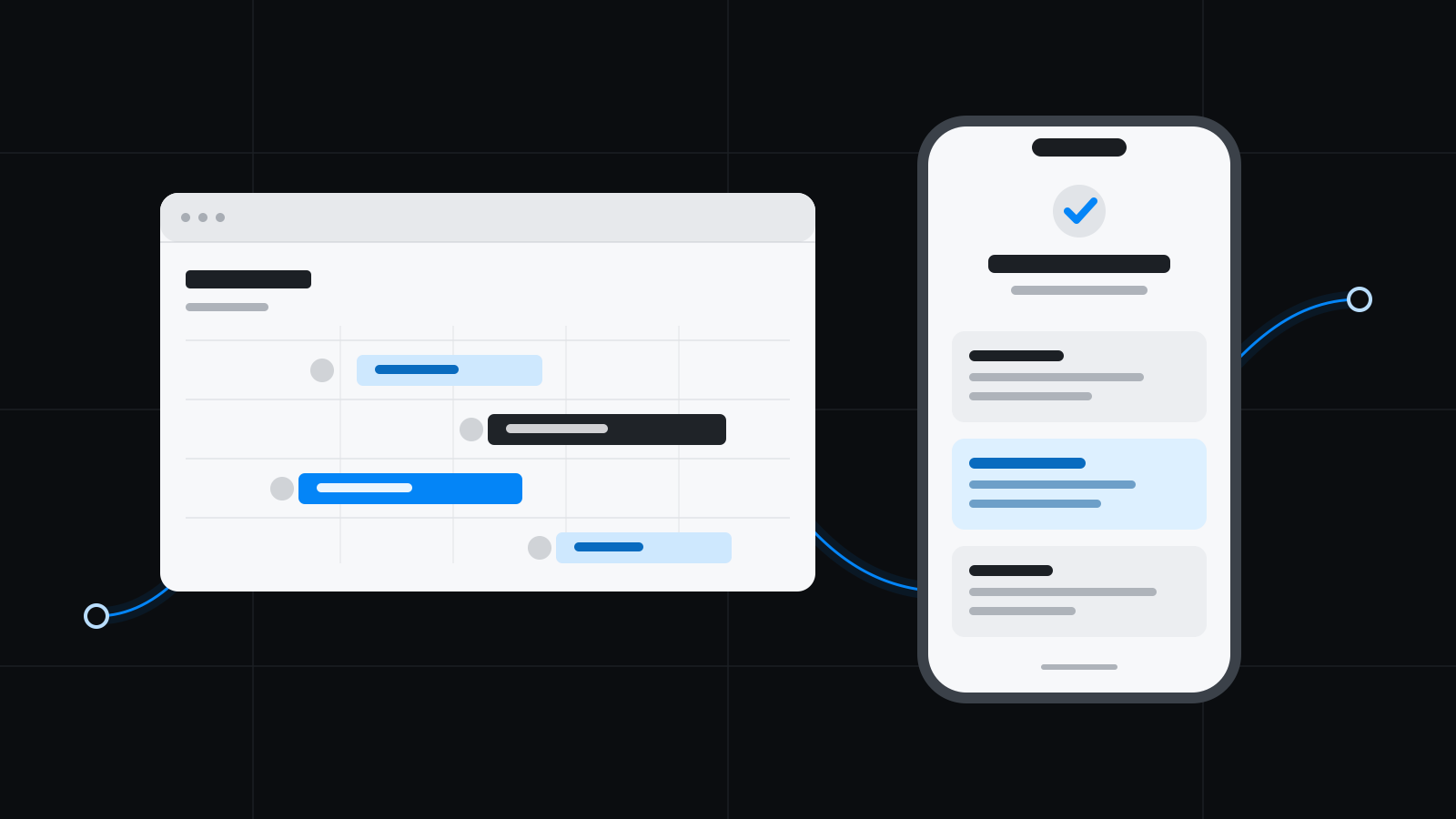
A calendar is often exactly the right tool while a business is small. It shows who should be where and when. Everyone knows the customers, changes can be handled in a chat, and the person planning the work carries most of the context in their head.
The problem is not that the calendar suddenly becomes a bad tool. The problem is that each job gradually contains more information than a calendar entry can reasonably carry. A second, invisible system then grows around it: messages, spreadsheets, photos, notes, and things somebody has to remember.
Here are five signs that you have reached that point—and what the next way of working needs to solve.
1. A calendar entry no longer explains the work
A recurring cleaning visit looks simple as a block from 08:00 to 11:00. The actual job may also need to answer questions such as:
- Which customer and service location is this visit for?
- What service was ordered, and what does it include?
- Who is assigned, and what equipment is required?
- Is there a door code, key, or restricted access window?
- Which checklist applies at the site?
When those answers live elsewhere, the calendar entry becomes a pointer. It shows when, but the team still has to find everything else.
A more durable setup makes time one part of the job instead of the whole job. Customer, site, service, staffing, and instructions need to follow the same visit.
2. Changes work only because somebody coordinates them manually
An absence or rescheduled visit is rarely difficult on its own. The difficulty is that the change has consequences:
- A replacement needs to be found.
- The new person needs the correct instructions and access information.
- The customer may need to be notified.
- Planning needs to expose conflicts, holidays, or double bookings.
- The completed visit must still be traceable to the original order.
If one person has to update the calendar, write in a chat, and remember to correct the billing preparation later, the process works because of that person’s memory. That is fragile even when the person is highly experienced.
The goal is not to remove human judgement. It is to make the consequences visible so the planner can make a good decision with the full context in front of them.
3. The field team asks the office for information that is already known
Questions from the field are a natural part of the work. Repeated questions about door codes, contacts, scope, or checklists often point to an information problem, however.
The information may already exist, but not where the work happens. When instructions follow the shift, a coworker can see the next job, navigate to the site, and understand what needs to be done without the office first reconstructing the context.
This is an important boundary: a good system should support professional knowledge, not try to replace it. Clear information leaves more time for the judgement that genuinely requires experience.
4. Deviations turn into loose messages
Not every visit goes to plan. A room may be occupied, the customer may request extra work, or damage may need to be documented. If the deviation is only sent as a photo in a chat, new questions appear later:
- Which visit does the photo belong to?
- What was not completed?
- Does the customer need to be contacted?
- Should the work receive a credit or surcharge?
- Who made the decision?
A deviation therefore needs to belong to the visit and be available for review. A photo and comment are evidence; they are not automatically a billing decision. The office needs to see what happened, decide how it should be handled, and save that decision with the work.
5. Month-end begins with detective work
The clearest sign often appears after the work is already complete. If billing preparation requires someone to compare the calendar with time reports, messages, and memory, the operational chain has broken along the way.
A connected workflow should be able to show:
- what was ordered,
- what was planned,
- who carried out the visit,
- what actually happened on site,
- which deviations and adjustments were reviewed,
- and what is ready to move to the accounting system.
The accounting system should still do what accounting systems do well. The difference is that the information arriving there has already been reviewed in its operational context.
What should you look for in the next way of working?
Do not start with a long feature list. Instead, follow one real job from beginning to end. Choose a recurring visit where something changed and ask:
- Can we see the relationship between the order and every planned visit?
- Do the correct instructions follow the person doing the work?
- Are staffing conflicts visible before a decision is made?
- Do attendance, checklists, and deviations belong to the same visit?
- Is there a clear review before the work becomes billing preparation?
If a system can answer those questions, you have more than a new calendar. You have begun to build a way of working where information follows the job.
Rytmia is built around that chain: from quote and planning to field work, review, and billing preparation. See how the workflow stays connected.
